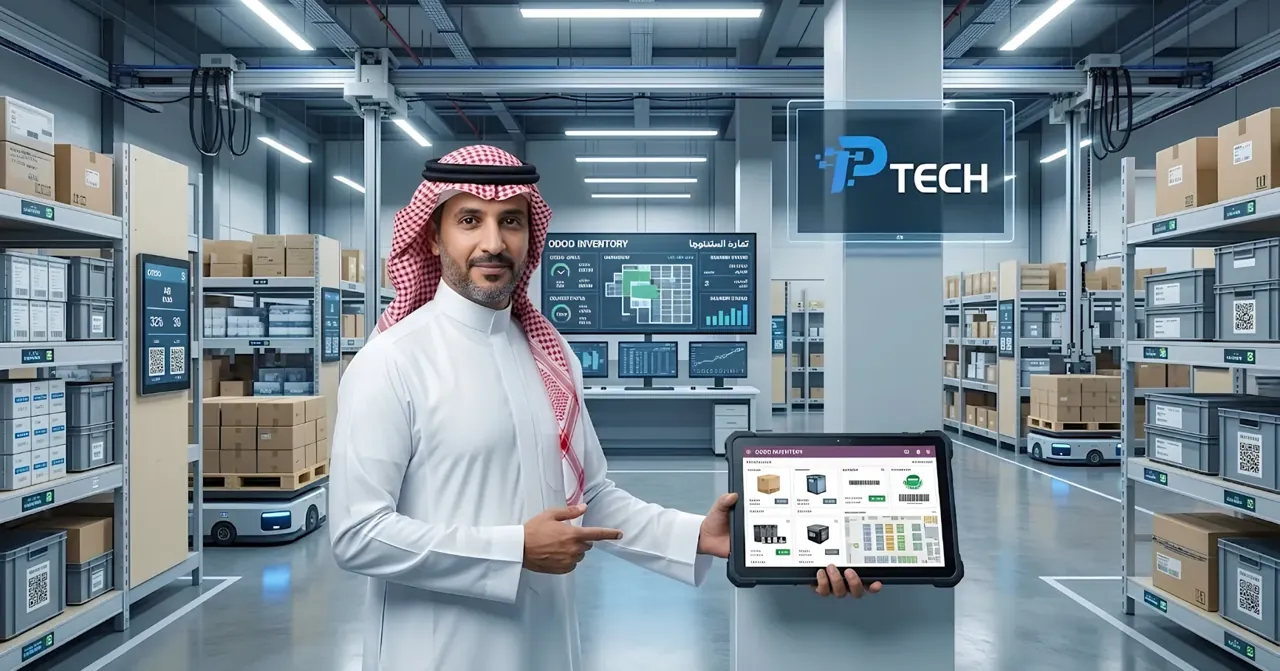
Odoo Inventory: Warehouse and Stock Management
Quick answer: Odoo Inventory is a complete warehouse management system (WMS) built on a simple yet powerful architectural concept: every inventory operation — whether receiving goods, selling, or transferring internally — is simply a "move" (Stock Move) between two locations, with no separate, complicated concepts for "in," "out," and "transfer." This architectural simplicity is what gives Odoo enormous flexibility in designing any operational flow, from a small, simple warehouse to a complex, multi-step warehouse network.
The "Double-Entry" Concept in Inventory
Odoo treats every product movement as a transfer from one location to another: when a product arrives from a vendor, it "moves" from a virtual location (the vendor) to your warehouse location. When you sell it, it "moves" from your warehouse location to another virtual location (the customer). Even a manual inventory adjustment is a move from/to a virtual adjustment location. This means every stock movement is fully traceable through a single unified report (Product Moves), instead of separate record types that are hard to link together later.
Receipt and Delivery Steps: From One Step to Three
You can configure the number of stages for processing incoming and outgoing shipments according to the complexity of your operations:
One step: direct receipt or delivery, best suited for small operations that need speed.
Two steps: splitting receipts into two stages (initial receipt, then final storage), or deliveries into (picking, then final shipping).
Three steps: the highest level of control, adding a separate quality control or packing stage between receipt/delivery and final storage.
This flexibility allows every company to match the system's flow to the reality of its actual operations, instead of forcing a single rigid model on everyone.
Putaway Rules
As soon as a shipment is received, putaway rules automatically determine the best location to store each product based on criteria such as product type, turnover rate, or size — instead of leaving the decision to an employee's judgment every time. These rules can also be used to prevent certain materials from being stored next to each other (such as reactive chemicals) by automatically directing them to separate locations.
Removal Strategies: Which Stock Goes Out First?
When selling or consuming, Odoo determines which unit of stock should be picked first according to multiple strategies:
First In, First Out (FIFO): the earliest received is picked first.
First Expired, First Out (FEFO): critical for perishable products or those with an expiration date.
Last In, First Out (LIFO): suitable for certain specific accounting or operational contexts.
Closest available location: to minimize the actual travel distance within the warehouse and speed up picking.
Picking Methods
To improve warehouse team efficiency, Odoo supports several order preparation methods:
Single picking: one order per trip, the simplest for small operations.
Batch picking: multiple orders in a single trip, ideal for small products with many orders.
Cluster picking: grouping several orders together and sorting them at the packing station.
Wave picking: organizing picking by aisle or zone, then regrouping in the packing area — best suited for large warehouses.
Multiple Warehouses and Locations
You can manage multiple warehouses and sublocations within a single database, defining custom routes that automatically determine how products move between these locations. This includes support for cross-docking — unloading incoming goods and transferring them directly to outbound shipping docks with minimal storage in between — and dropshipping, which sends goods from the vendor directly to the end customer without ever passing through your warehouse.
Automatic Reordering and Stockout Prevention
Odoo supports several models to ensure you never run out of stock:
Min-Max rules: automatically create a purchase order as soon as stock reaches a certain minimum level.
Make-to-Order: linking directly to actual demand instead of stocking in advance.
Replenishment report: a clear view of all products that need replenishing, with automatic suggestions for the appropriate purchase orders.
Automatic vendor follow-up: sending automatic reminders to confirm orders or delivery dates a few days in advance, to reduce the risk of unexpected delays.
Barcode: Works Even Offline
All warehouse operations (receiving, picking, adjustments, internal transfers) can be performed with a barcode scanner, with full support for the globally used GS1, EAN13, and EAN14 standards, and even for products that carry no barcode at all. The most important practical advantage: most of these operations run locally without a constant internet connection, meaning work doesn't stop because of weak network coverage inside the warehouse, with instant data synchronization as soon as the connection is restored.
Full Traceability with Lot and Serial Numbers
For any product that requires precise tracking (food, pharmaceuticals, electronics), Odoo supports recording lot numbers or individual serial numbers for each unit, with a complete history of every movement related to that specific lot or unit — essential for any precise recall of a defective product, or for later quality standards reviews.
Inventory Valuation Methods
The system supports several methods for calculating the financial value of inventory: First In, First Out (FIFO), moving average cost, Last In, First Out (LIFO), or a fixed standard price. You can choose between periodic valuation (calculated at period close) or perpetual valuation (updated instantly with every move), depending on whether the accounting department needs real-time accuracy or is satisfied with periodic reconciliations.
Shipping Integration and Customer Tracking Portal
Odoo integrates directly with external shipping carriers to print shipping labels and automatically calculate shipping costs based on product weight and customer address. It also provides a customer tracking portal that displays order, payment, and delivery status directly, with the ability to initiate a return request from the same page, and to generate a printable barcode and custom return instructions — reducing the need for repeated manual communication between the customer and the customer service team just to ask about shipment status.
Who Uses Odoo Inventory?
Multi-branch retail stores that need a unified view of their inventory across multiple points of sale at the same time.
Companies with perishable products (food, pharmaceuticals) that benefit directly from FEFO strategies and expiration date tracking.
Distributors and wholesalers running large-scale receiving and shipping operations that need advanced picking methods (batch, wave) to speed up operations.
E-commerce stores that rely on dropshipping from vendors or automated integration with shipping carriers.
How to Get Started with Odoo Inventory
Start with a simple (one-step) flow for receipts and deliveries before moving to more complex flows.
Define the actual storage locations in your warehouse and the appropriate putaway rules for each product category.
Choose the right removal strategy (usually FIFO for most products, FEFO for perishables).
Enable barcode scanning from the start, even if gradually on specific products first, to reduce manual errors early on.
Set up reordering rules for your most important, highest-turnover products first, then gradually extend them to the rest of the catalog.
Conclusion
Odoo Inventory transforms warehouse management from a manual process that depends on personal experience and judgment into a system built on clear, fully traceable rules. The real value shows precisely when your inventory data needs to be automatically connected to sales, purchasing, manufacturing, and accounting on a single database, instead of relying on separate spreadsheets that require constant manual reconciliation.
Frequently Asked Questions
Does Odoo Inventory work without a constant internet connection? Yes, most day-to-day barcode operations (receiving, picking, adjustments) run locally on the device, with instant data synchronization as soon as the connection is restored, so work doesn't stop because of a weak network inside the warehouse.
What is the difference between FIFO and FEFO? FIFO picks the earliest received stock first regardless of expiration date, while FEFO picks the stock closest to expiry first — making it the better choice for perishable products such as food and pharmaceuticals.
Can I manage more than one warehouse in a single database? Yes, Odoo fully supports multiple warehouses and sublocations, with the ability to define custom routes that determine how products move between them automatically.
Can I trace a specific product down to its production lot or serial number? Yes, by enabling lot or serial number tracking, you can get a complete history of every movement related to a specific unit or lot — essential for any precise recall of a defective product.
What inventory valuation methods are available in Odoo? The system supports four main methods: First In, First Out (FIFO), moving average cost, Last In, First Out (LIFO), and a fixed standard price, with the option of periodic or perpetual valuation.