What Is Odoo? The Complete Guide to Odoo Business Management Software
If you're looking for a quick answer: Odoo is a comprehensive, open-source business management system (ERP) that brings everything your company needs onto a single platform, from accounting and sales to inventory, HR, and eCommerce, instead of relying on separate software for each department. Developed by a Belgian company, Odoo is used today by more than 16 million users in over 120 countries, making it one of the most widely adopted business management systems in the world.
In this guide, you'll find a complete explanation of Odoo: what it is, how it started, how it works, the difference between its free and paid editions, its approximate cost, and how well it fits companies in Saudi Arabia and the Arab region.
Odoo Explained in Detail
Odoo is an integrated suite of business management applications built on a single database, so every department communicates with the others automatically instead of working in isolation. When the sales team creates an invoice, the transaction is instantly reflected in accounting and inventory; when HR hires a new employee, their record is automatically created across the entire system.
Technically, the system is written in Python and runs on a PostgreSQL database, which gives it a high degree of flexibility for customization and development. From a business owner's perspective, however, the idea is much simpler: instead of buying accounting software, a separate CRM, and yet another inventory program, then trying to "connect" them together, you get all of these functions as Apps within a single system, and you activate only the ones you need.
This is the fundamental difference between Odoo and traditional ERP systems: while systems like SAP or Oracle require you to purchase a massive package from day one, Odoo lets you start with a single app (for example, Accounting or Point of Sale) and expand gradually as your company's needs grow.
A Brief History: From TinyERP to Odoo
The Odoo story begins in Belgium in 2005, when developer Fabien Pinckaers launched an open-source project called TinyERP while he was still a student. In 2008, the name changed to OpenERP to reflect a bigger ambition, and by 2010 the company had grown beyond 100 employees.
The major turning point came in 2014, when the product was renamed Odoo, because the company had expanded to offer far more than traditional enterprise resource planning (ERP), including website building, eCommerce, and point of sale. Since the release of version 9 in 2015, the company has operated on an "Open-Core" model: the core of the system is open source and free (Odoo Community), while professional paid features and services are added on top of it (Odoo Enterprise).
Today, Odoo S.A. is headquartered in Grand-Rosière, Belgium, with offices in more than 10 countries, including the United States, the UAE, and India, and more than 5,000 partners worldwide. The company released Odoo 19 (the current long-term support, LTS, version) in September 2025 and is currently developing Odoo 20.
How Does Odoo Work? The "Modular Apps" Concept
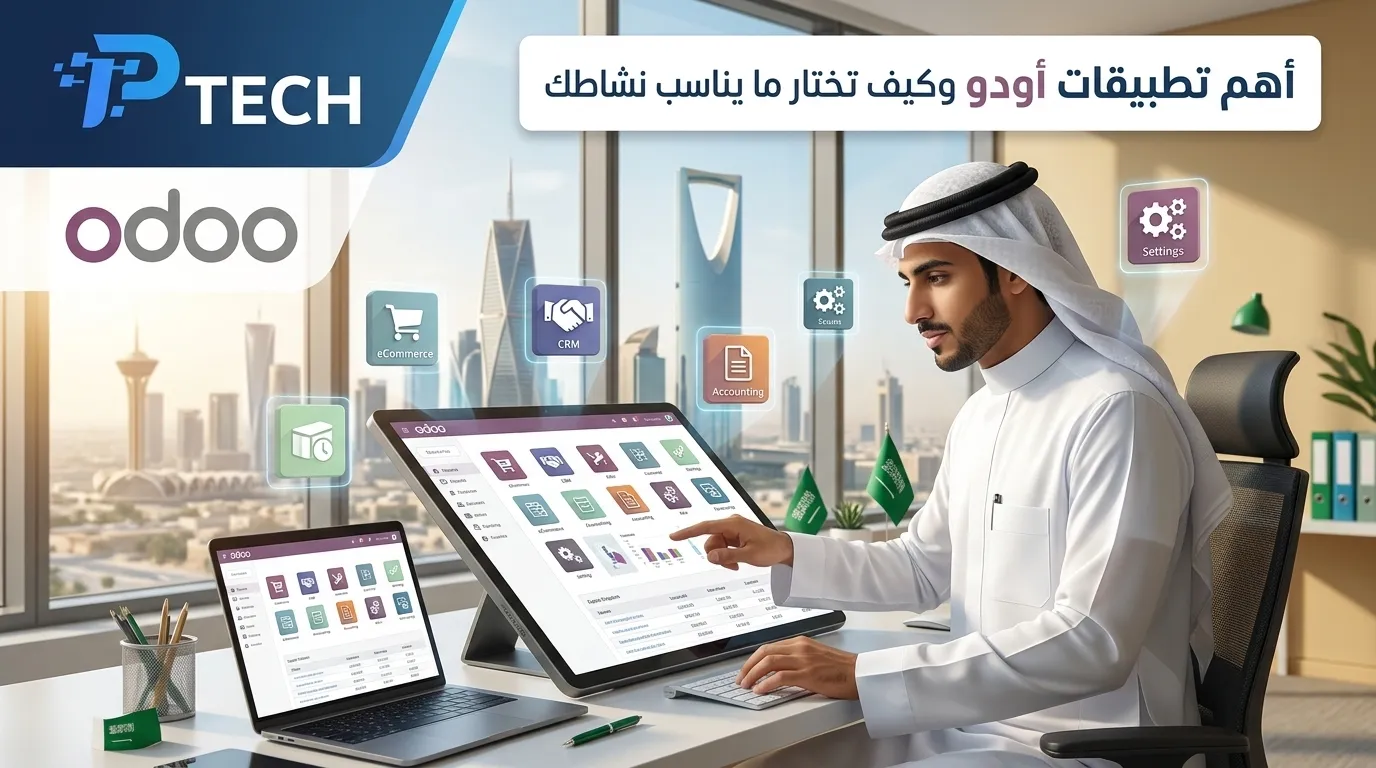
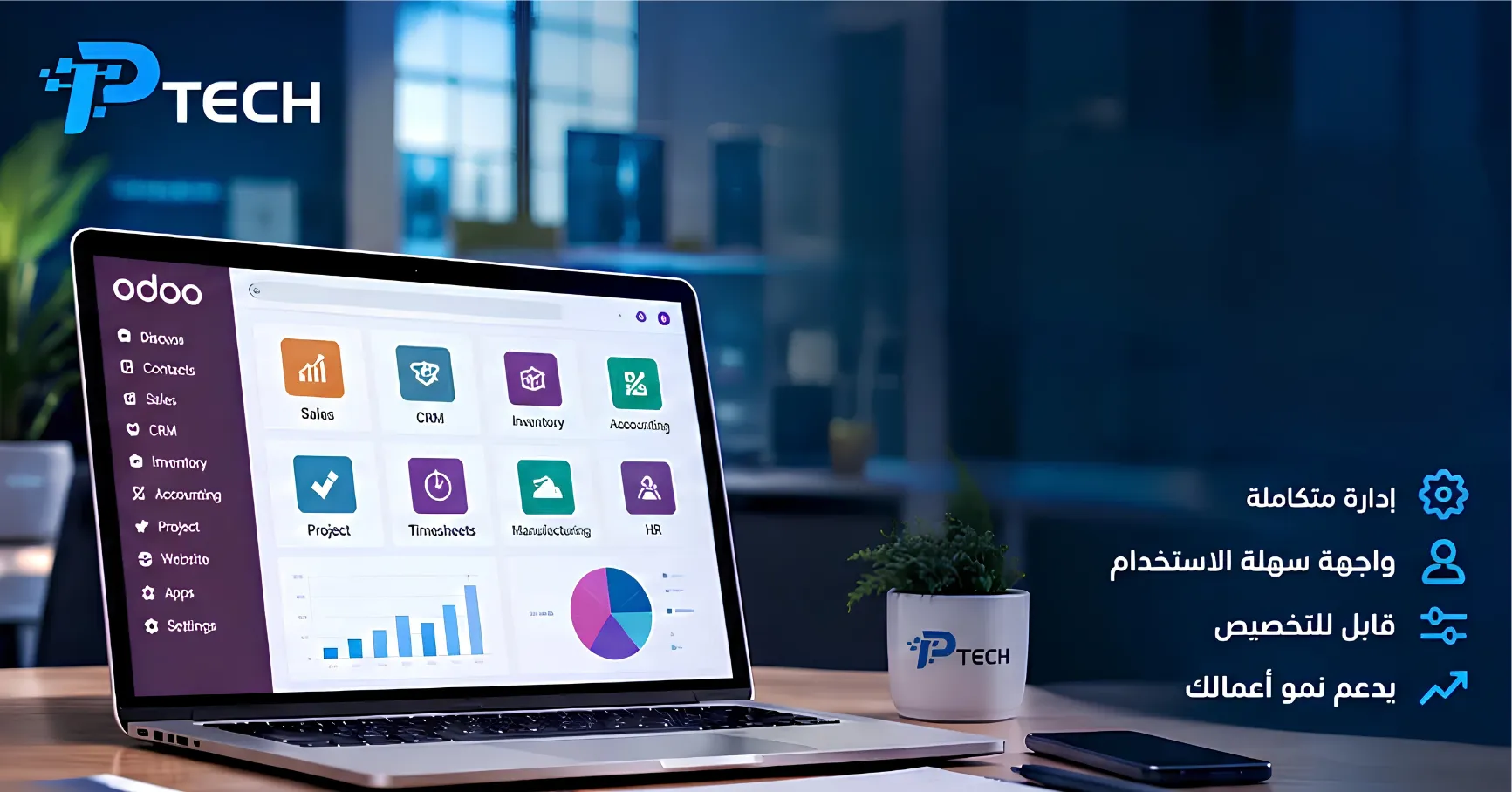
Odoo is built on the concept of modules, or apps: every business function (accounting, sales, inventory, and so on) is a separate app that can be enabled or disabled from the system's App Store, which includes more than 80 official apps and tens of thousands of apps developed by the open-source community.
The key advantage is that all of these apps share a single database. For example:
When a salesperson adds a new customer in the CRM app, that customer automatically appears in the Invoicing and Accounting apps.
When a cashier sells a product through the Point of Sale (POS) system, inventory is automatically deducted and the accounting entry is recorded instantly.
When the purchasing department creates a purchase order, the expected quantity is reflected in inventory and manufacturing reports at the same moment.
This integration is what sets Odoo apart from using separate tools (Excel + accounting software + a standalone CRM): it eliminates the need to enter data more than once, reduces human error, and gives management a single, unified view of company performance at any moment.
Key Odoo Apps and Modules
Odoo covers virtually every department in a company. Some of the most notable apps include:
Area | Main Apps |
Finance | Accounting, Invoicing, E-Invoicing |
Sales & Customers | CRM, Sales, Subscriptions |
Operations | Inventory, Purchase, Manufacturing (MRP) |
Commerce | Point of Sale (POS), eCommerce, Website |
Human Resources | Employees, Payroll, Recruitment, Attendance |
Productivity | Projects, Helpdesk, Sign, Documents |
Each of these apps deserves its own detailed explanation, which we cover in dedicated articles in this series (such as guides to Odoo Accounting, Odoo CRM, and Odoo Manufacturing).
Odoo Community vs. Odoo Enterprise
One of the most common questions about Odoo is: "Is it really free?" The answer is yes and no, because Odoo comes in two editions:
Odoo Community | Odoo Enterprise | |
License | Open source (LGPL v3), completely free | Commercial license, monthly subscription per user |
Cost | $0 (you pay only for hosting and customization) | Starts at roughly $9–25 per user per month, depending on country and plan |
Technical Support | No official support from the company, only the developer community | Official technical support directly from Odoo |
Hosting | Self-hosted only (on your own server) | Multiple options: Odoo Online, Odoo.sh, or self-hosted |
Advanced Features | Core apps only (Accounting, Sales, Inventory, CRM, etc.) | Adds Odoo Studio, the mobile app, advanced accounting, multi-company management, and AI tools |
Updates | Require in-house technical effort | Upgrades and updates managed by Odoo |
Best For | Startups and technical teams capable of self-management | Mid-sized and large companies that need support and reliability |
The key point: both editions are built on exactly the same technical foundation, and moving from Community to Enterprise later is possible without restarting the project entirely from scratch. However, it is not a cost-free or effortless process, especially if there are existing customizations.
An important note for companies in Saudi Arabia: some regulatory requirements, such as compliance with FATOORA e-invoicing (the ZATCA platform), are officially available and directly supported only in the Enterprise edition, while Community requires additional solutions developed by a certified partner. We cover this sensitive topic in more depth in our article The Difference Between Odoo Community and Enterprise.
How Much Does Odoo Cost?
The cost of Odoo depends on three main elements: subscription fees (per user per month if you choose Enterprise), implementation and customization costs (a one-time payment at launch), and ongoing support costs.
At a glance (prices are approximate and vary by country and promotional offers):
Odoo Community: $0 in license fees; the actual cost lies only in hosting and custom development.
Odoo Enterprise (Standard plan): starts at roughly $9–17 per user per month in most Middle East and Southeast Asian markets.
Odoo Enterprise (Custom plan, including Odoo Studio and customization): typically ranges between $13–25 per user per month in the region, compared with much higher prices in markets such as the United States.
Implementation cost: starts at a few thousand SAR for small projects and can reach hundreds of thousands for large multi-branch projects, depending on the number of modules and customizations required.
Since prices change almost every year and vary by geographic location, we've dedicated a full article explaining the details of Odoo Pricing in Saudi Arabia 2026 with figures and practical examples, and we recommend reviewing it before making any purchasing decision.
Odoo in Saudi Arabia and the Gulf
Odoo is gaining increasing adoption among small and medium-sized businesses in Saudi Arabia and the Gulf states, for several reasons:
Native support for Arabic and a right-to-left (RTL) interface.
Compliance with ZATCA e-invoicing requirements in both phases (Generation and Integration), officially available in the Enterprise edition through the official Saudi localization.
Much lower cost compared with systems such as SAP or Oracle, making it a realistic option for SMEs that don't have huge budgets for ERP systems.
A network of local certified partners offering implementation and support in Arabic, a decisive factor for any company considering actual implementation rather than just a purchase.
It's important to note that any Saudi company legally subject to e-invoicing obligations practically needs the Enterprise edition or a custom solution from a certified partner that ensures full compliance with FATOORA. Relying solely on Community without specialized support may expose the company to non-compliance risks.
Odoo Advantages
Full integration across departments: unified data with no duplicate entry.
Flexibility and gradual scaling: start with one app and expand later as you grow.
Competitive cost: far lower than giant systems like SAP and Oracle, especially for SMEs.
A huge developer community: tens of thousands of free and paid add-on modules.
A modern, user-friendly interface compared with older traditional ERP systems.
Frequent updates: an annual major release that continuously adds new features (most recently, the AI features in Odoo 19).
Does Odoo Have Any Disadvantages?
Honestly, no system is perfect, and it's only fair to mention the real challenges:
The Community edition lacks important features (the full mobile app, some advanced accounting reports, multi-company), which means many companies end up moving to Enterprise sooner or later.
Deep customization requires experienced Python developers, especially if you need non-standard behavior.
Implementation quality depends heavily on the implementation partner: the difference between a successful Odoo project and a failed one often has nothing to do with the system itself, but with the expertise of whoever handled the implementation and configuration.
Upgrades between versions may require additional effort if there are extensive code customizations.
We discuss these points in greater detail and objectively in our article Odoo Pros and Cons: An Honest Review.
Odoo vs. Other Systems
Criterion | Odoo | SAP | Oracle ERP | Microsoft Dynamics |
Licensing Model | Open source + optional subscription | Proprietary commercial license | Commercial / cloud license | Commercial / cloud license |
Relative Cost | Low to medium | Very high | Very high | High |
Best For | Small and mid-sized companies, and even relatively large ones | Large, complex enterprises | Large and multinational enterprises | Mid-sized to large companies |
Implementation Speed | Relatively faster (weeks to months) | Longer (months to years) | Longer (months to years) | Medium |
This is only a general comparison; if you're evaluating an actual project, we recommend reviewing our detailed article Odoo vs SAP: A Comprehensive Comparison to Choose the Right System before making a decision.
Who Uses Odoo?
Odoo suits a wide range of companies:
Startups and small businesses looking for a cost-effective alternative to separate tools (accounting software + Excel + a free CRM).
Mid-sized companies that have outgrown scattered tools and need a unified system that can grow with them.
Specific sectors such as retail and restaurants (thanks to Point of Sale), manufacturing (thanks to the MRP module), and eCommerce.
Major global companies that use Odoo for some of their operations, including names such as Toyota, Danone, and KPMG, alongside thousands of SMEs around the world.
How to Get Started with Odoo
Try the free trial on the official Odoo website to get familiar with the interface and core apps.
Define your actual needs: do you only need accounting and sales, or full inventory and manufacturing? Start with the essentials only.
Choose between Community and Enterprise based on how much you need official support and regulatory compliance (especially if you're in Saudi Arabia and need e-invoicing).
Contact a local certified Odoo partner to ensure a sound implementation and proper localization for Arabic and regulatory requirements, which we explain in detail in How to Choose a Certified Odoo Partner in Saudi Arabia.
Start with a limited pilot phase before rolling the system out across the whole company, to reduce risk and discover any required adjustments early.
Frequently Asked Questions About Odoo
Is Odoo completely free? Odoo Community is completely free as a software license (open source), but you will bear the costs of hosting, customization, and technical support. The Enterprise edition is paid, with a monthly subscription fee per user.
Is Odoo really an ERP system? Yes. At its core, Odoo is an enterprise resource planning (ERP) system covering accounting, inventory, purchasing, manufacturing, and sales on a unified database, but it has also expanded to include tools beyond traditional ERP, such as website building, eCommerce, and e-signatures.
What is the difference between Odoo and OpenERP? They are essentially the same product at their technical core; OpenERP was renamed Odoo in 2014 when the platform's scope expanded beyond traditional ERP.
Does Odoo support Saudi e-invoicing (ZATCA)? Yes, it is officially supported in the Enterprise edition through the dedicated Saudi localization, while the Community edition requires development or the installation of specialized add-ons from a certified partner to achieve full compliance.
How long does it take to implement Odoo in a mid-sized company? It varies depending on company size and the number of apps required, but the typical timeline ranges from 4 to 16 weeks for SMEs, and can extend for several more months in large, complex projects.
Is Odoo suitable for factories and manufacturing companies? Yes, through the Odoo Manufacturing (MRP) app, which covers manufacturing orders, bills of materials (BOM), and production planning, a topic we cover in detail in a separate article in this series.